Set up and log treatments
Save the plan you agreed on with your clinician, log what you did and bring your history to your next visit.
Set up your plan
Read the transcript
In Settings, open Treatments, then Medications. Tap Add medication. Enter the name and how you use it. Copy the form and where your instructions came from. Choose the skin areas in your instructions and add your schedule if you have one. Review the details, then tap Add medication.
Add your cream, pill or light therapy plan and its schedule. For light therapy, save the device, body areas and positions you use. Review those details when you log a treatment.
Log a treatment
Read the transcript
On Today, find the treatment you want to record. For this cream, check the body areas and tap Applied. SteadySkin confirms the entry. Open History to find what you recorded.
Mark a treatment as completed, partly completed, changed, held or skipped. You can correct an entry later and record any reactions you noticed.
Compare photos of the same area
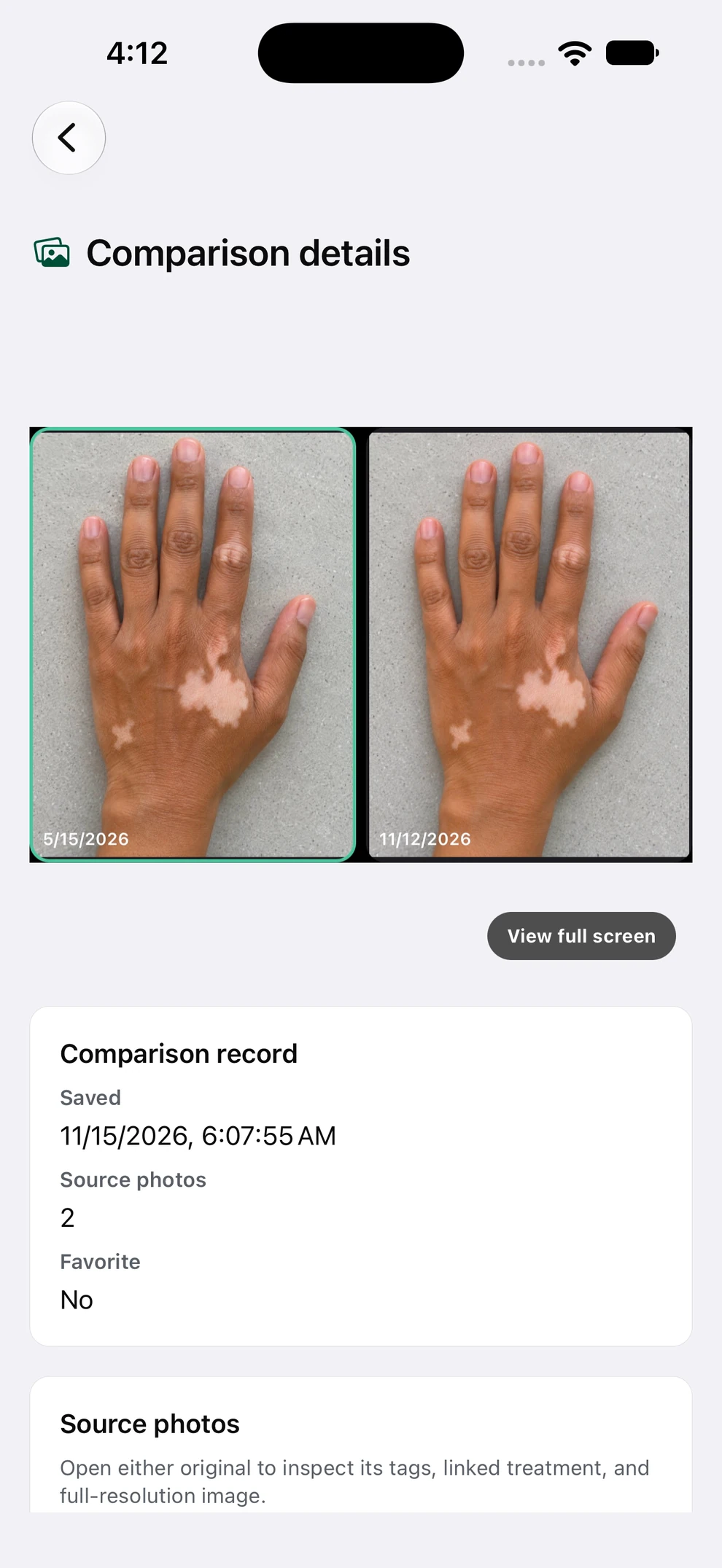
Open Analytics → Photos → Compare photos in SteadySkin. Pick a body area and choose the two photo dates you want to see side by side.
Keep dated photos in your in-app album and group them by body area or treatment plan. You can keep a sensitive photo covered until you choose to show it. Put two photos side by side and record whether the area looks better, about the same or worse to you. You can also mark that it’s hard to tell. The app saves your observation alongside the photos.
 (opens in a new tab)
Get ready for your next visit
Bring a summary of your treatments, reactions and questions. Include anything that made treatment harder, such as trouble getting refills or fitting sessions into your day.
What’s free
Logging, history, reminders, privacy controls and export are free. You also get 5 photos, 1 saved collage and a 30-day report without photos.
Last updated